PCIDSS
Payment devices need their own space
PCI DSS expects card data environments to be segmented from other systems. Segmentation also shrinks the scope of a PCI assessment.
Source: PCI DSS v4.0
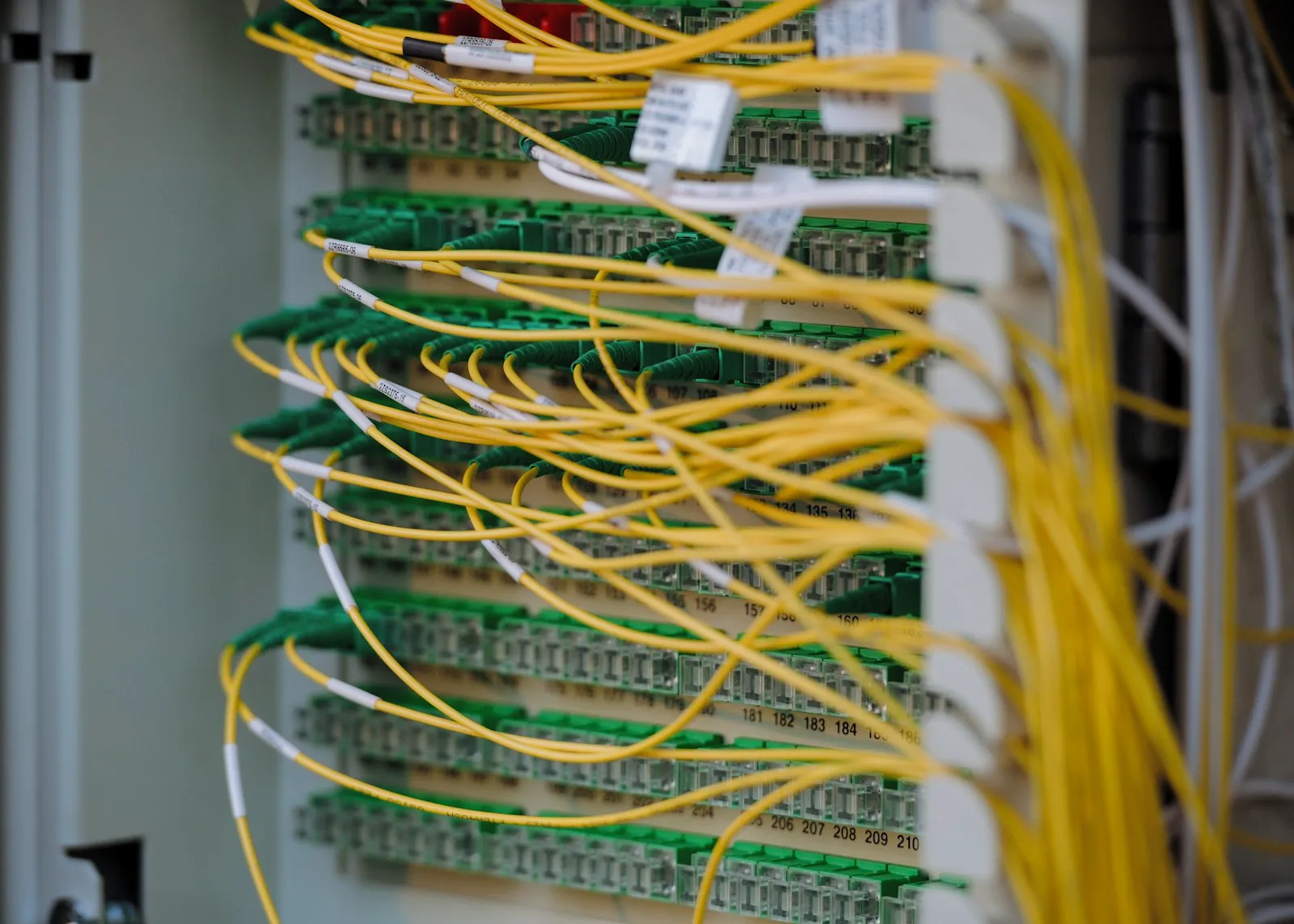
In many offices, guests, staff, printers, servers and card terminals share one flat network. Segmentation keeps a compromise in one place contained, and a reviewed firewall keeps out what should never get in.
Staff, guest, server, voice and payment networks separated, with rules for what may talk to what.
Rules reviewed, unused and overly broad rules removed, and changes documented.
VPN or zero trust access with multi factor authentication, replacing exposed remote desktop.
Site surveys, access point placement and secure configuration for staff and guests.
Network diagrams, IP plans and configuration backups kept current.
Current network, rules and coverage reviewed.
Segmentation, rules and Wi-Fi planned.
Changes made in planned windows.
Diagrams and configurations recorded.
PCI DSS expects card data environments to be segmented from other systems. Segmentation also shrinks the scope of a PCI assessment.
Source: PCI DSS v4.0
Guest devices are outside your control. Keeping them on a separate network stops them reaching your systems.
At least annually, and whenever systems are added or removed. PCI DSS requires reviews every six months for in scope environments.
No. Exposed remote desktop is a common ransomware entry point. Put it behind a VPN or zero trust access with multi factor authentication.
Tell us what you're working on. We'll listen, ask the right questions and recommend a practical next step. No obligation.